AI makes a pipeline review faster and sharper when it does the prep and the humans do the judging. It reads CRM history, calls and emails, flags deals that look stalled or thin, and hands you a brief before the meeting starts. You then spend the hour asking better questions of fewer deals, and leave with an owner and a next step on each. This guide shows what AI inspects, how to set up the workflow, what to check before you trust it, and where it breaks.
TL;DR
- AI is best at the prep work of a review: spotting stale deals, shifting close dates, missing CRM fields and weak stage evidence across the whole pipeline.
- Ask for a brief organized by rep and deal that shows what changed since the last review, not a generic summary.
- Use the meeting for evidence-based questions. End every priority deal with one named owner and one specific next action.
- Keep judgment and CRM updates in human hands. AI surfaces information, and people decide what it means.
- Clean data and clear stage definitions matter more than which tool you pick.
Table of Contents
- What AI actually does in a pipeline review
- How AI finds stalled deals, close-date drift and forecast risk
- What data the AI needs
- How to run an AI-assisted pipeline review, step by step
- Verifying what the AI tells you
- How AI reviews improve forecast quality
- Common mistakes
- A 30-day rollout plan
- Our perspective
- Work with us on your pipeline process
- FAQ
- Sources
What AI actually does in a pipeline review
A traditional pipeline review is a rep narrating deals while the manager scrolls through a CRM. The manager sees what the rep chose to update. AI changes the input. It looks at the activity around the deal, not just the fields reps typed.
BCG describes generative AI in revenue operations as improving pipeline intelligence and deal inspection: it analyzes live-deal activity and signals, including third-party data, to flag high-risk deals, improve pipeline accuracy and point to expansion opportunities. That is the core promise. You get a second reader on every deal, one that never gets tired by the fortieth opportunity.
In practice, an AI-assisted review inspects five things:
- Deal movement. How long has the deal sat in its current stage compared with deals you have won before?
- Close-date behavior. Has the date moved once, twice, three times?
- Buyer engagement. Are replies slowing, are stakeholders dropping off the thread, is the champion still active?
- Qualification gaps. Is there a named economic buyer, a defined problem, a budget signal, a decision process?
- Data completeness. Are next steps, amounts, contacts and competitors actually recorded?
The searches you may have run for "AI pipeline inspection" or "AI for deal reviews" point at the same idea: inspect the deal against evidence, not against the rep's optimism.
How AI finds stalled deals, close-date drift and forecast risk
The logic behind these flags is simple enough that you can check it yourself, which is a good reason to understand it.
Stalled deals
A stalled deal is one where time in stage has outrun the pattern of your wins. If your median deal spends 18 days in proposal and this one has sat for 60, that is a flag. AI adds a second layer: it looks for silence. No inbound email, no meeting on the calendar, no call in three weeks. A stage label says "Negotiation"; the activity says nothing has happened.
This matters for the forecast. Most weighted forecasts assign a probability to each stage, so a deal in negotiation might carry the same weight whether it arrived yesterday or has been frozen for two months. The formula works. The inputs are stale.
Close-date drift
Close-date drift is the deal that is always closing "next month." AI can count how many times a date has been pushed, how far, and whether the push was followed by real buyer activity. A date pushed twice with no new meeting is a different animal than a date pushed once because legal asked for a redline. Ask the AI to list every deal whose close date moved more than once in the last 60 days, then ask the rep what changed on the buyer's side.
Missing CRM information
Gaps are easy for software to find and tedious for humans. Ask it to list opportunities in late stages with no next step, no scheduled meeting, no second contact, or an amount that has not changed since creation. These are not accusations. They are the questions you would have asked anyway, answered before the meeting.
Forecast risk
Forecasting is where the stakes sit. Gartner reports that only 7% of sales teams reach a forecast accuracy of 90% or more, and the median is 70% to 79%. The same page says 69% of sales operations leaders surveyed find forecasting harder than three years earlier. If your forecast calls feel shaky, you are in the majority.
AI helps by comparing the committed number to the evidence behind it. If 60% of your commit sits in deals with single-threaded contacts and no meeting scheduled, the risk is visible before the call. For the forecasting side in more depth, see our AI sales forecasting playbook.
What data the AI needs
AI cannot inspect what it cannot see. A review brief gets better as you connect more of the deal's real footprint. Typical inputs include:
- Opportunity history: stage changes, amount changes, close-date changes, owner changes
- Email and messaging activity tied to the account
- Calendar data: meetings held, scheduled and canceled
- Call recordings and transcripts
- Proposals and other documents sent
- Approved enrichment, such as company news or leadership changes
Rework's workflow description says an AI copilot can build a review brief from CRM snapshots, week-over-week changes, call transcripts, calendar data and available email or messaging activity. The week-over-week snapshot is the piece many teams skip. Without a saved copy of last week's pipeline, nobody can tell you what changed.
Define stage evidence first
Before you point any AI at your pipeline, write down what must be true for a deal to sit in each stage. Not what the rep feels, but what can be observed:
| Stage | Evidence the AI can check |
|---|---|
| Discovery complete | Call held, pain recorded in the CRM, second stakeholder identified |
| Solution fit | Demo held with more than one attendee, success criteria written down |
| Proposal | Proposal sent, decision process and timeline recorded |
| Negotiation | Economic buyer named, procurement or legal engaged, next meeting scheduled |
| Commit | Verbal yes, paper in motion, close date confirmed in writing by the buyer |
These are examples; adapt them to your own sales process. The point is that an AI comparing stage to evidence needs a written standard, and so do your reps. Many teams find their stage definitions are vague only when they try to automate against them. That is a useful discovery, not a failure. Our CRM-first revenue roadmap for AI walks through cleaning that foundation before layering tools on top.
Connecting scattered systems also takes real engineering and adoption work. If your sales data lives in a patchwork of tools, teams that handle AI integration work in Boulder are one example of where Colorado companies look for help joining those pieces. BCG's perspective is that success requires a unified platform strategy instead of siloed solutions, plus change management that builds trust in AI insights.
How to run an AI-assisted pipeline review, step by step
Step 1: Generate the brief before the meeting
Ask for a brief organized by rep and then by deal. Rework's workflow suggests it cover what changed since the last review, key risks, forecast confidence, and deals entering or leaving the pipeline. A prompt you can adapt:
For each rep, list deals above $25,000 in stages 3 to 5. For each deal show: stage and days in stage, close-date changes in the last 60 days, last buyer-initiated contact, number of stakeholders engaged, missing fields, and one sentence on what changed since last week. Mark evidence you could not find as "not found," never as a guess.
The last instruction matters. A brief that fills gaps with plausible guesses is worse than no brief.
Step 2: Read it yourself, ahead of time
Spend 20 minutes with the brief. Circle the deals where the flag and your gut disagree. Those are the interesting ones. A deal AI marks as risky but you know has a signed letter of intent deserves a note for the AI's input. A deal that looks healthy to you but shows no buyer contact in 25 days deserves a question.
Step 3: Run the meeting on exceptions
Do not walk every deal. Cover the flagged opportunities, the largest commits and the deals entering or leaving the pipeline. Replace "how's it going?" with questions grounded in evidence:
- "The close date moved twice. What did the buyer tell you that made you move it?"
- "Who besides your champion has seen the proposal?"
- "The last buyer reply was on the 3rd. What is your plan for re-engaging?"
- "What would have to be true by Friday for this to stay in commit?"
These questions do not accuse. They make the rep walk through the evidence, and they build the habit of recording it.
Step 4: Close every priority deal with an owner and a next action
End each discussed deal with one person responsible and one specific action with a date, such as "Maria sends the mutual close plan to the VP of Finance by Thursday." Rework's guidance on running the meeting is the same: use the brief to focus on flagged opportunities, ask evidence-based questions, and finish with an owner and next action for each priority deal.
Step 5: Update the record and compare next week
People should update the CRM from what was agreed, then save a snapshot. Next week's brief compares against it. This loop is where the compounding value lives, because the AI gets a clean before-and-after.
Verifying what the AI tells you
Treat every flag as a lead for a question, not a verdict. A few habits keep that discipline.
Spot-check the sources. For three or four flagged deals each week, open the underlying emails, calls or records. If the summary says "champion disengaged," find the evidence. If it cannot be found, correct the prompt.
Keep humans in charge of meaning and CRM updates. The Rework workflow frames it well: AI surfaces information, and people decide what it means and what to do. Do not let a tool silently change stages or amounts. A rep or manager makes the edit, so someone owns the number.
Watch for blind spots. AI sees digital activity. A buyer who prefers phone calls, an in-person dinner with the executive sponsor, a verbal commitment on a hallway chat: none of these show up unless someone records them. A quiet inbox can be a healthy deal and a busy inbox can be a dying one.
Protect privacy and customer data. Connecting call transcripts and email raises real questions about consent, retention and who can see what. Decide in advance which data sources are approved, tell your reps what is being analyzed and why, and keep the review focused on deals rather than on policing individuals. Our guide to AI sales ethics covers how to set those guardrails. If a call recording is involved, check your state's recording-consent rules with your legal counsel.
Build trust slowly. Run the AI brief next to your normal review for four to six weeks. Compare what it flagged with what actually happened to those deals. Teams that adopt on evidence keep using the tool; teams that adopt on hype abandon it after one wrong call.

How AI reviews improve forecast quality
Be careful with promises here. Vendor pages are full of impressive percentages, and most are self-reported. A grounded way to think about the benefit is through mechanisms you can measure in your own business:
- Fewer surprise slips. Track how many committed deals slipped out of the quarter without being flagged in the review. That number should fall.
- Forecast variance. Compare the call you made at the start of the month with the actual result, before and after you adopt the process.
- Pipeline hygiene. Measure the percentage of late-stage deals with a next step, a scheduled meeting and more than one contact.
- Time to prep. Count the manager hours spent assembling the review each week.
- Stage conversion honesty. Watch whether deals leaving each stage match the evidence you defined.
Set a baseline for four weeks before you start. Without a baseline, any improvement is a story, not a measurement. Gartner's point that AI-augmented forecasting is a growing alternative to seller-entered forecasts is a reason to try it, not proof that it will work for your team.
Common mistakes
- Automating a vague process. If nobody can define a stage exit, the AI will grade deals against noise.
- Using the tool as a scoreboard for reps. When reps feel watched, they stop logging real activity and the data gets worse.
- Reviewing everything. A brief that covers every opportunity recreates the old two-hour slog.
- Trusting a score without a reason. Demand a one-line explanation for every flag.
- Skipping the coaching. The brief finds the problem. A good manager still teaches the rep what to do next. Turning review conversations into coaching is covered in our guide to AI meeting notes for manager coaching.
AI findings can also point at where the next real growth sits, such as expansion in existing accounts or segments that close faster. For ways to think about spotting growth opportunities in a business, pair the review data with a wider look at where revenue actually comes from.
A 30-day rollout plan
Week 1: Write the standards. Define stage exit evidence, required CRM fields and what counts as a stalled deal. Pick the three or four flags you care about most.
Week 2: Connect and snapshot. Connect the CRM and the calendar, and start saving a weekly pipeline snapshot. Add call and email data only after you have agreed which sources are approved.
Week 3: Run in parallel. Generate the brief and hold your normal review. Note where the brief found something you missed and where it was wrong.
Week 4: Switch to exception-based reviews. Run the meeting from the brief, close every priority deal with an owner and a next action, and write down your baseline metrics for comparison in 60 and 90 days.

If you want to bring your leadership team together around this, a diagnosis-first AI sales workshop is a good format: diagnose the pipeline first, then choose the prompts.
Our perspective
Most pipeline reviews fail for a reason that has nothing to do with software. The meeting rewards the rep with the best story, not the deal with the best evidence.
Across more than 25 years of building SDR, BDR and sales teams, we have seen that the leaders who forecast well are not the ones with the fanciest dashboards. They are the ones who agree on what a real stage looks like, ask the same hard questions every week, and make sure every deal leaves the room with an owner and a next step.
That is why we put AI to work on the prep and keep people on the judgment. A brief can tell you a close date has moved three times. Only a manager who knows the buyer, the rep and the market can decide whether to push, pause or walk away. We would rather help you build a review habit that your team trusts than hand you a tool they work around.
Start small, measure against a baseline, and let the evidence earn the tool its place in your process.
Chad
Work with us on your pipeline process
If you lead a sales team in Colorado or anywhere else and want help setting up a review process your reps will actually use, we run speaking engagements and workshops for sales leaders on AI-assisted pipeline management. Details are on our speaking and workshops page, where you can get in touch about a session for your team.
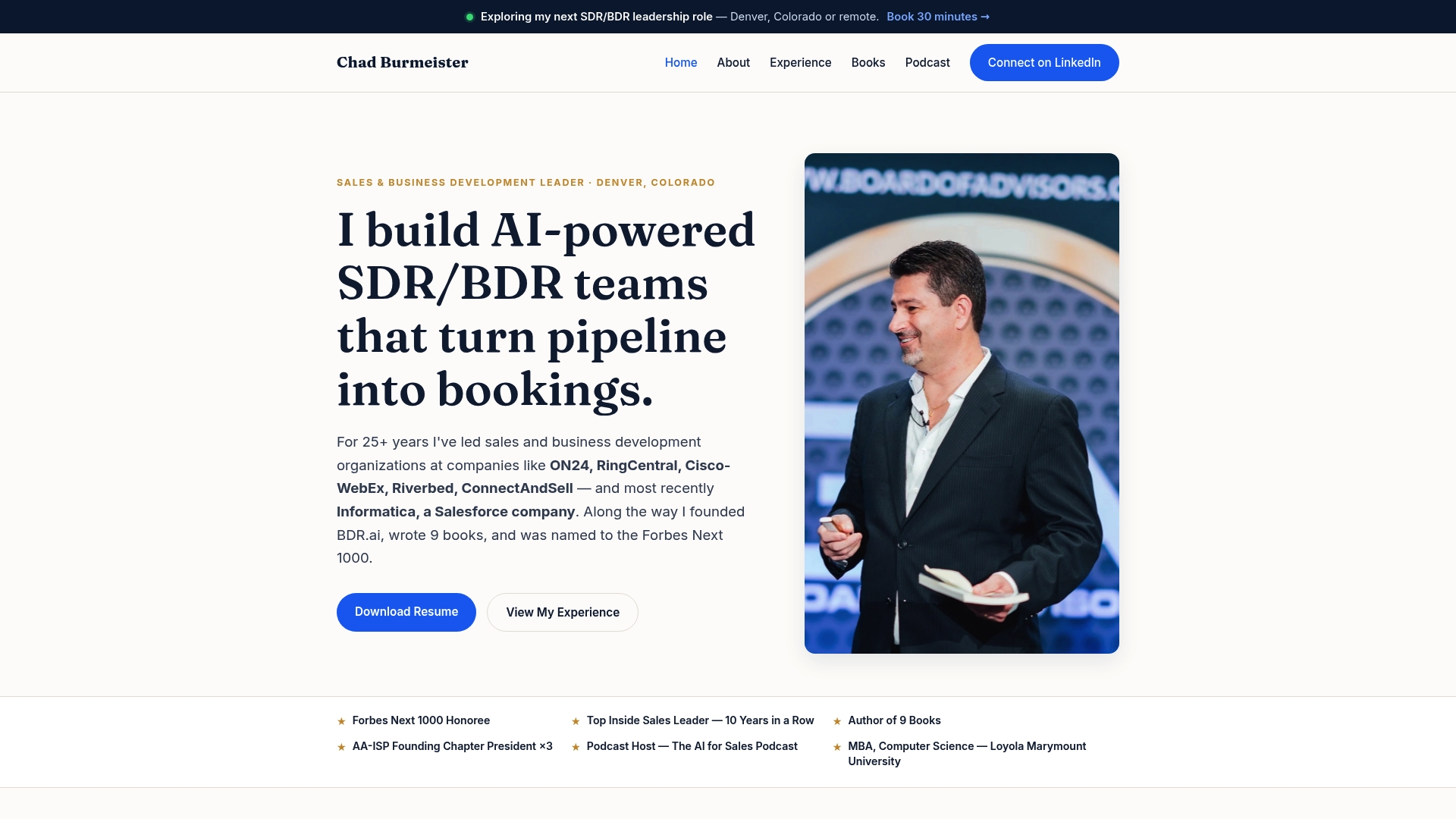
If you prefer to start with self-paced material, the Be Extraordinary curriculum is a place to begin.
FAQ
Can AI replace the weekly pipeline review meeting?
No. AI is strong at preparation: it reads activity, compares stages with evidence and flags risk. The meeting is where managers and reps decide what the evidence means and who does what next. Treat AI as the analyst who prepares the brief, not the person who runs the room.
What CRM data do I need before AI is useful?
At minimum you need clean stage history, close-date history, amounts, owners and contacts on each opportunity. Calendar, email and call data make the brief much richer. Without a saved weekly snapshot, the AI cannot show what changed since the last review, so start capturing one now.
How do I know if the AI flags are right?
Open the underlying records for a handful of flagged deals each week and confirm the evidence is there. Then, over several weeks, compare which flagged deals actually slipped or were lost. If the flags do not predict outcomes better than your current process, adjust the prompts and stage definitions before you expand.
Is it safe to feed call transcripts and emails into an AI tool?
Only if you have decided which sources are approved, told your team what is analyzed, and checked the vendor's data handling terms. Recording-consent rules vary by state, so confirm yours with legal counsel before you connect call data.
Does AI improve forecast accuracy?
It can, mostly by exposing stale deals, drifting dates and thin evidence behind the commit number. Gartner notes that median forecast accuracy among teams is 70% to 79%, so there is room to improve. Measure your own forecast variance before and after so you know the real effect.
Sources
- AI Was Made for RevOps: From Prediction to Execution, BCG
- Pipeline Review Prep With an AI Copilot, Rework
- The Role of Artificial Intelligence in Sales, Gartner
- AI Integration & Enterprise Modernization in Boulder, CO, Bowtie
- How to Identify Hidden Growth Opportunities in Business, Dynamic Growth Solutions